Case Study · 2017 — 2019
Winsupply
One of the largest wholesale suppliers of material for construction use in the United States. The Dayton Headquarters provide support for over 650 individually owned Local Companies, with over 650 different ways of operating their businesses.
The Scope
Company Structure
- · Winsupply HQ
- · 650+ locally owned Local Companies
- · Contractors, retail, and distribution centers
Operational Software
- · WISE Legacy (green-screen ERP)
- · Wise2020 modernization
- · Shipping, purchasing, receiving, picking, cycle count
The Projects
As part of the Operations IT UI/UX team, I had the opportunity to oversee design on a large collection of integrated software solutions for the Winsupply Local Companies.
These applications primarily fell within two main categories:
A homegrown enterprise resource planning (ERP) system for all major business needs, being transitioned from green screen to a modernized browser based system.
A collection of web apps and mobile applications designed to increase efficiency in warehouse management.
Frequent Challenges
- User adoption / resistance to change
- Walking the line between flexibility and encouraging best practices
- 650+ opinions :)
- Ensuring the value outweighed the losses of green screen
The Process
As the second UI/UX designer hired at Winsupply, I had the incredible opportunity to help shape our growing team and its processes.
The precise process followed was typically flexible to the needs of a specific project or feature and constantly evolved as we learned what did and did not work well in our project teams.
Typical Steps
The Work
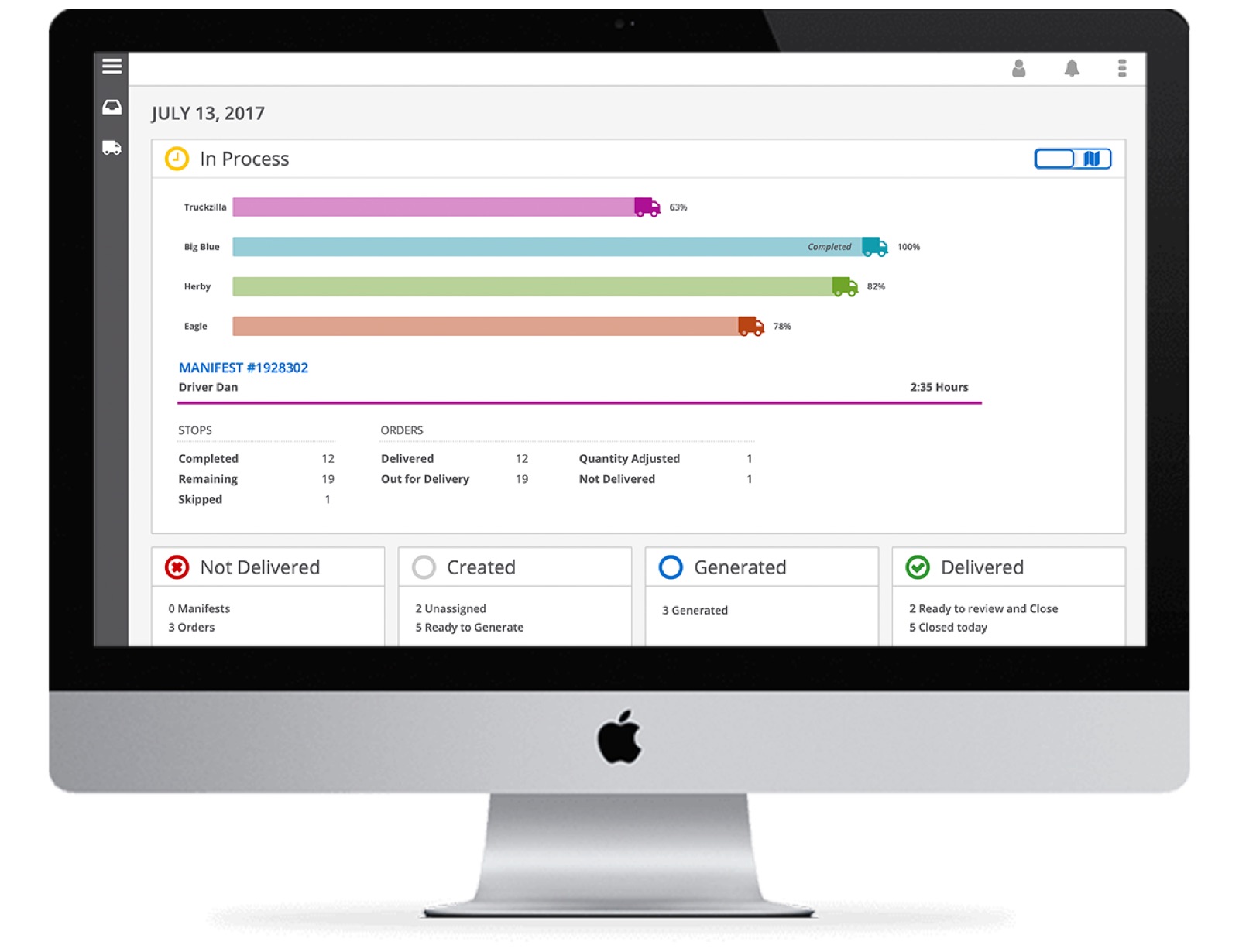
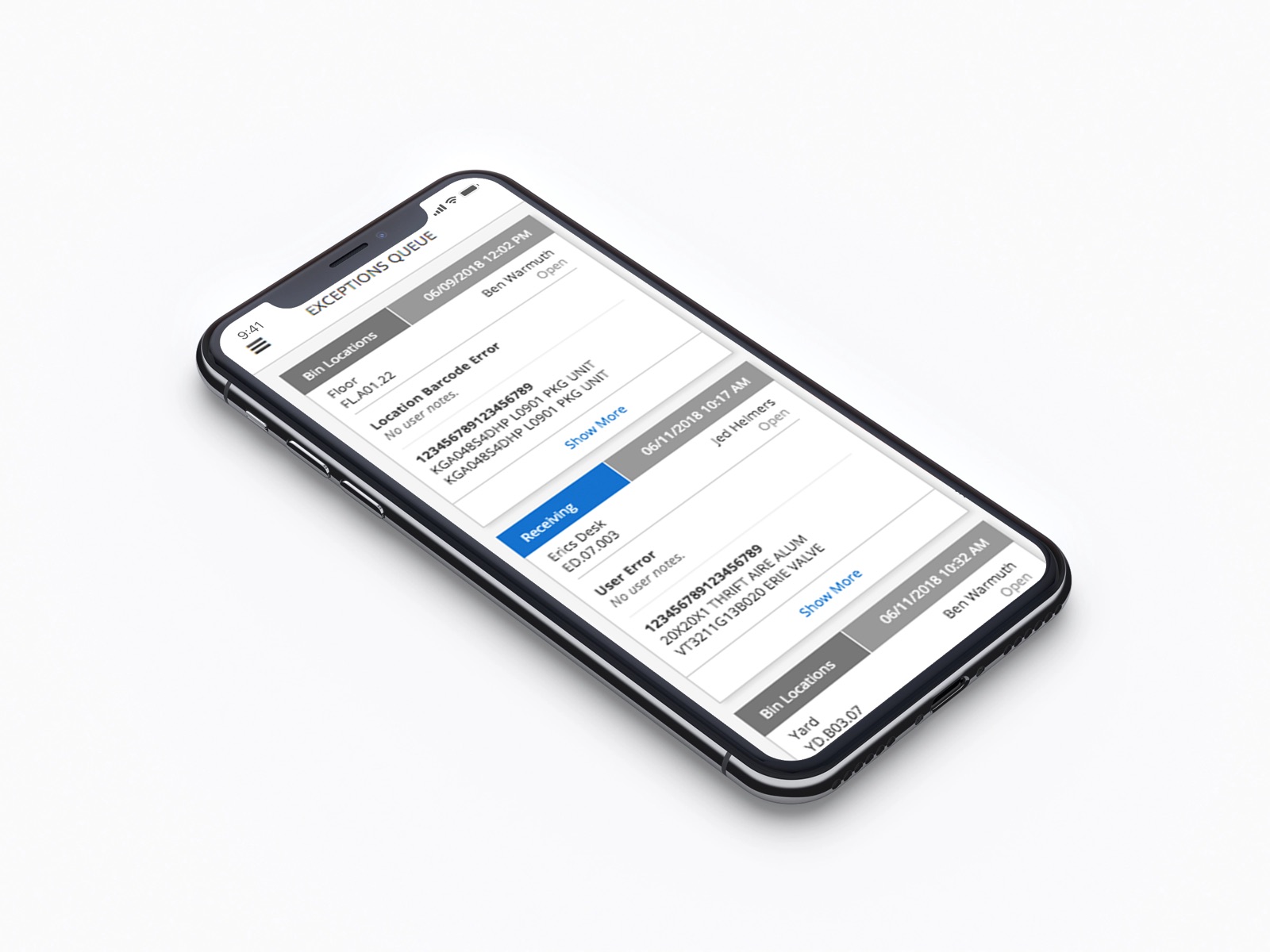
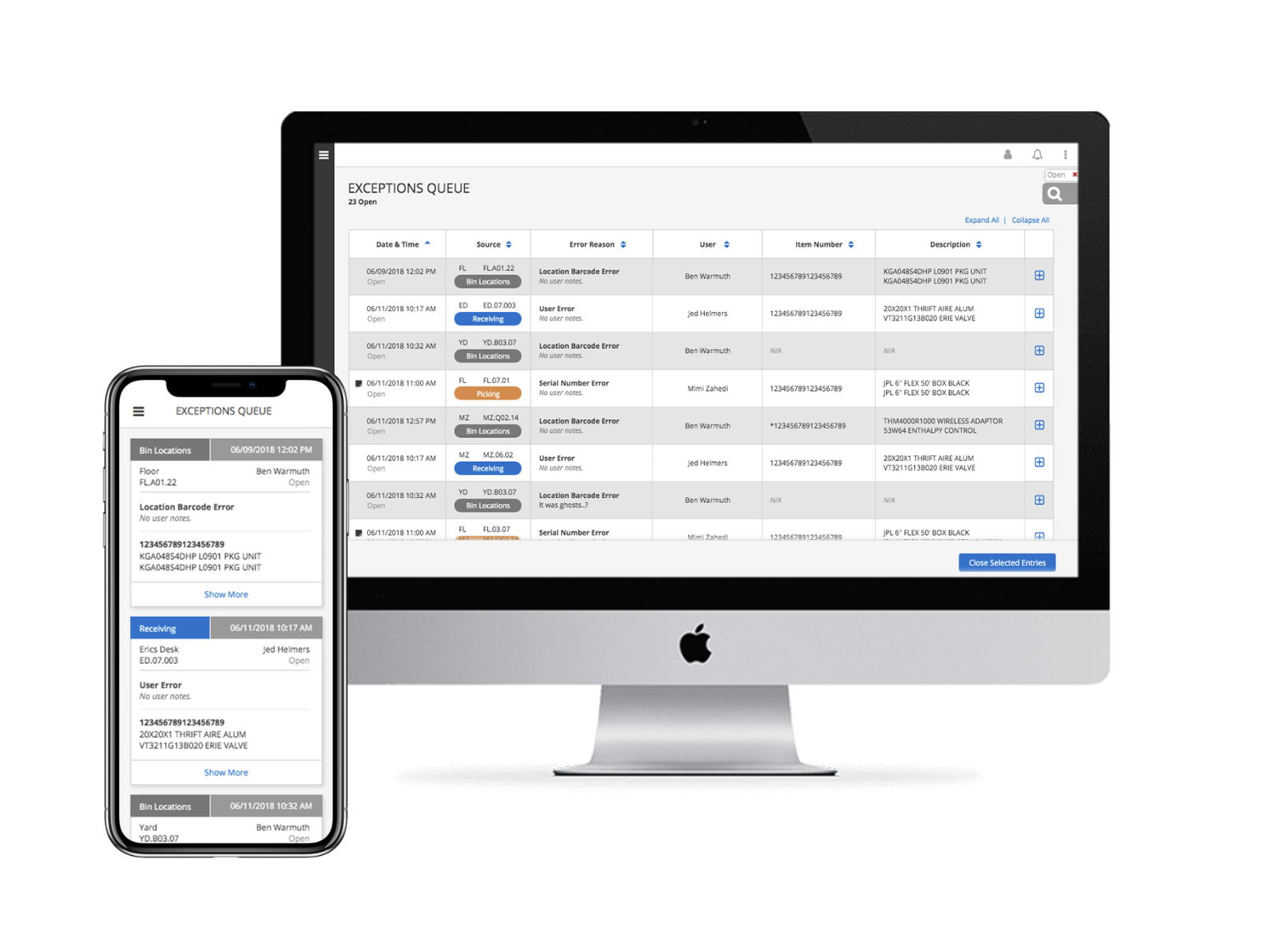
Track Anomalies & Direct Attention
- Project with rapid turnaround time
- Integrated with suite of management apps and RF Scanner
- Emphasis on mobile views
If I had a chance to do it over, I would have loved the opportunity to explore some more innovative ways to increase the value of this application. For instance, the ability to monitor this data over time for insightful trends that could help reduce mistakes or increase efficiency in the warehouse.
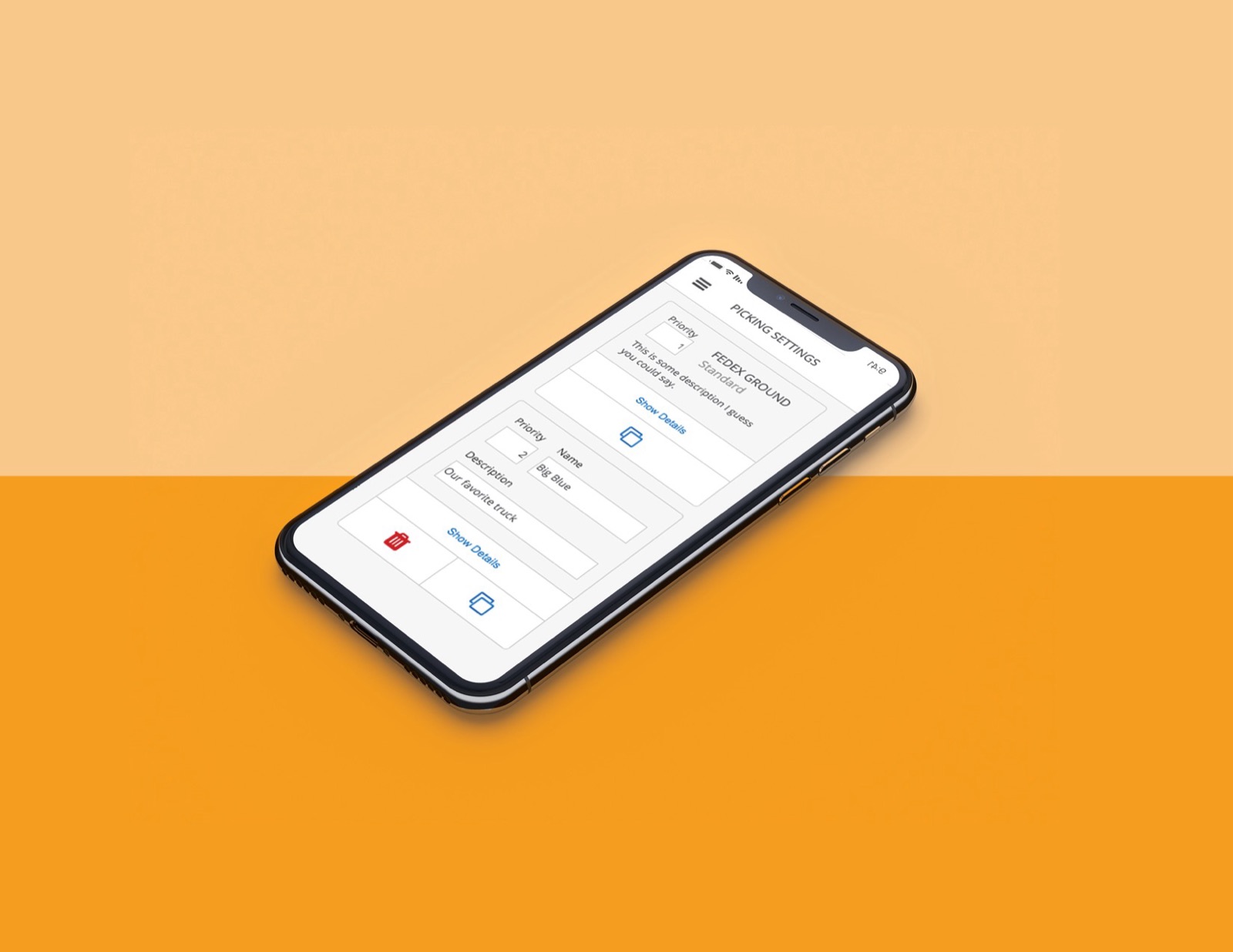
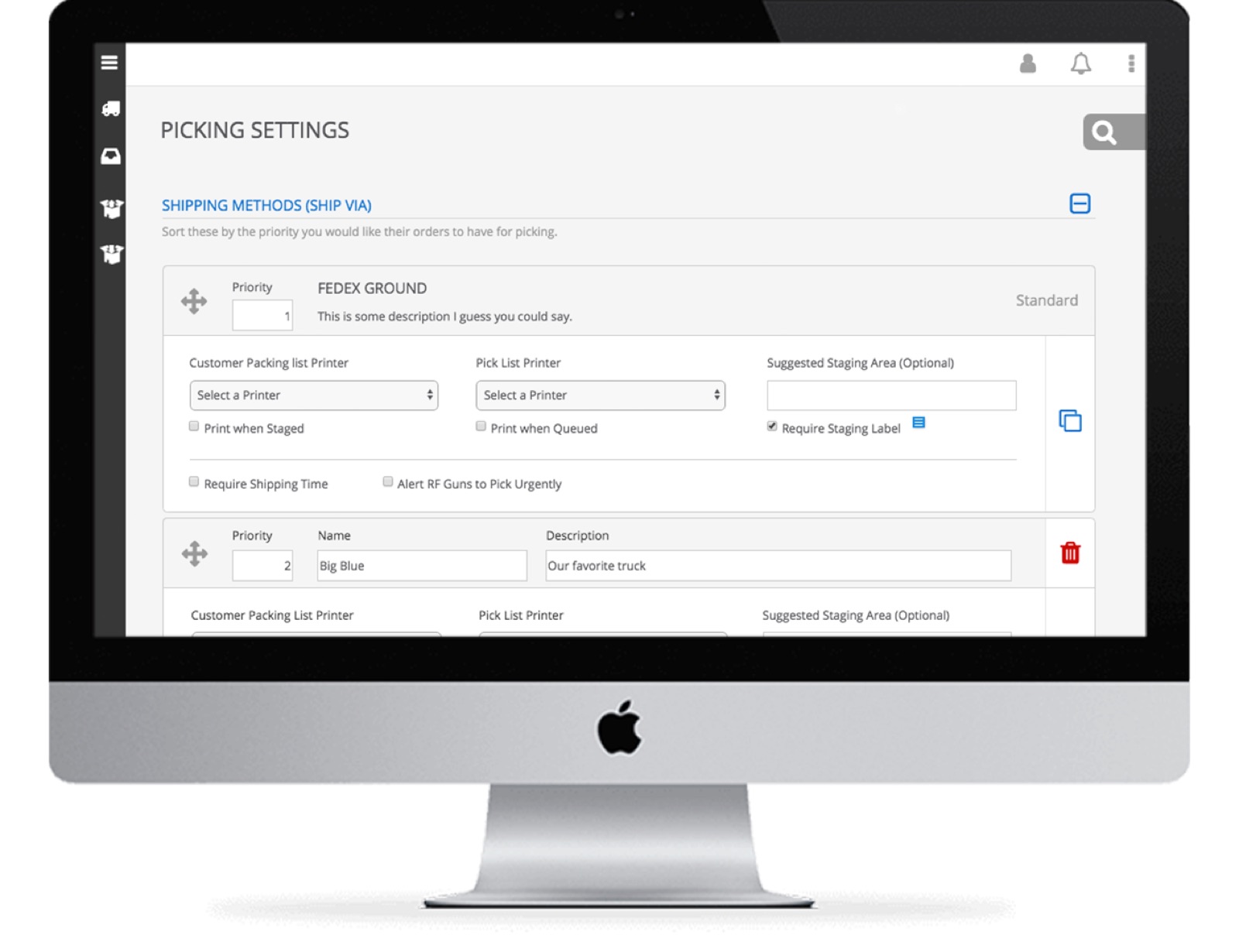
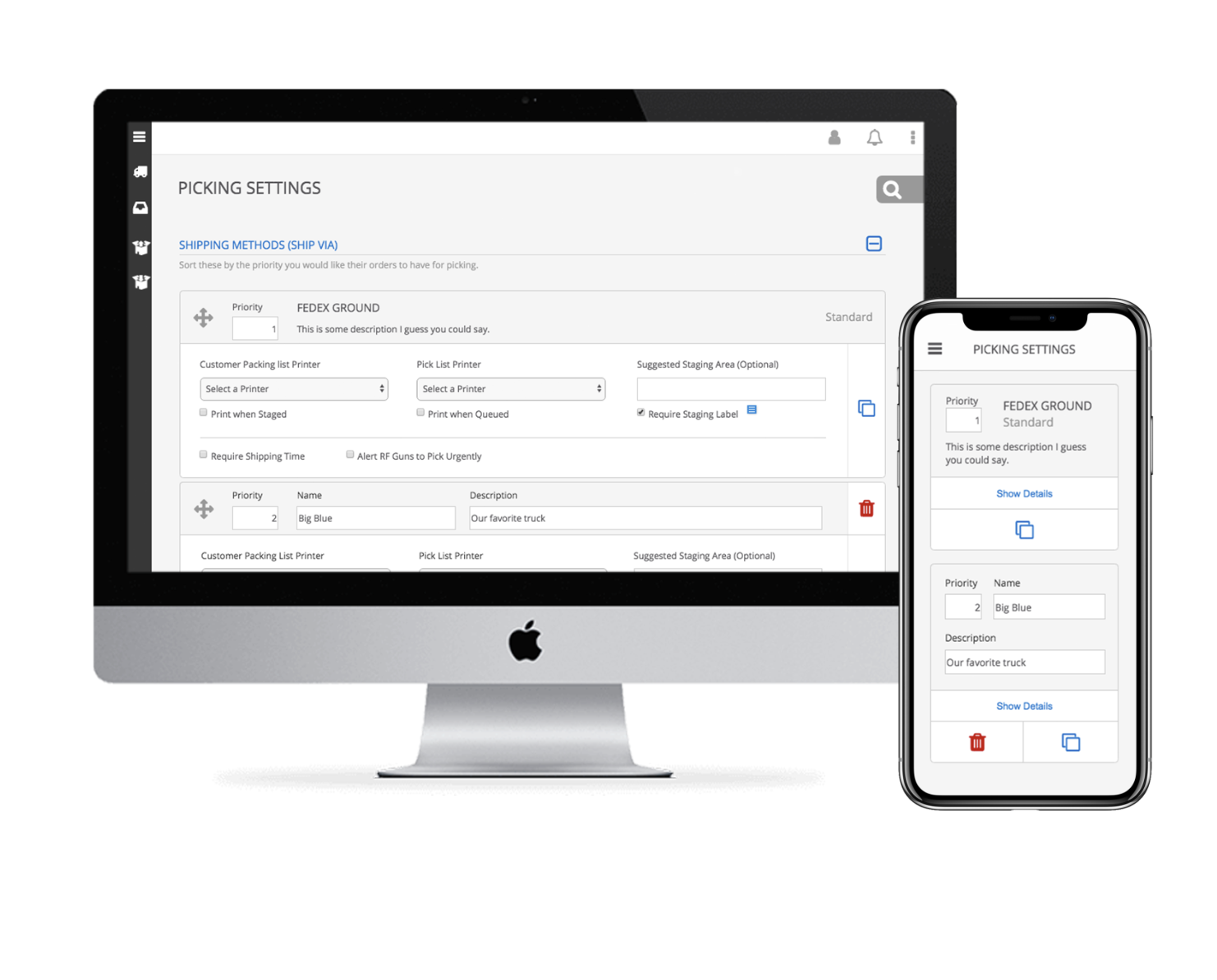
Customize Process Settings
- Clearly define related settings and decision impact
- Influence best practices while offering flexibility to customize
- User adoption, large change from paper process
The business need for this application was fairly specific, but limited our ability to spend time researching alternate perspectives. I looked forward to piloting this application and getting an opportunity to solicit that feedback we lacked earlier in the process.
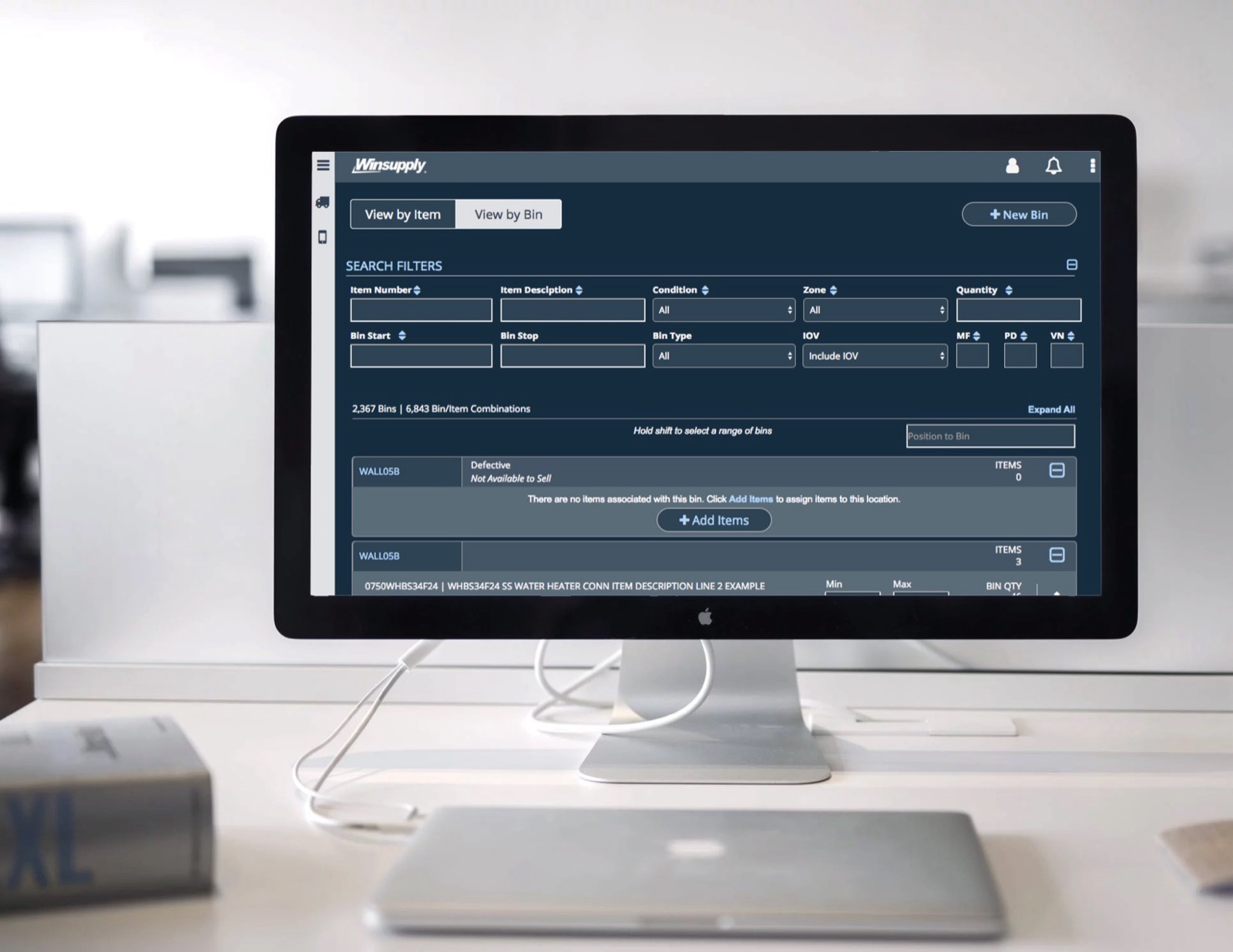
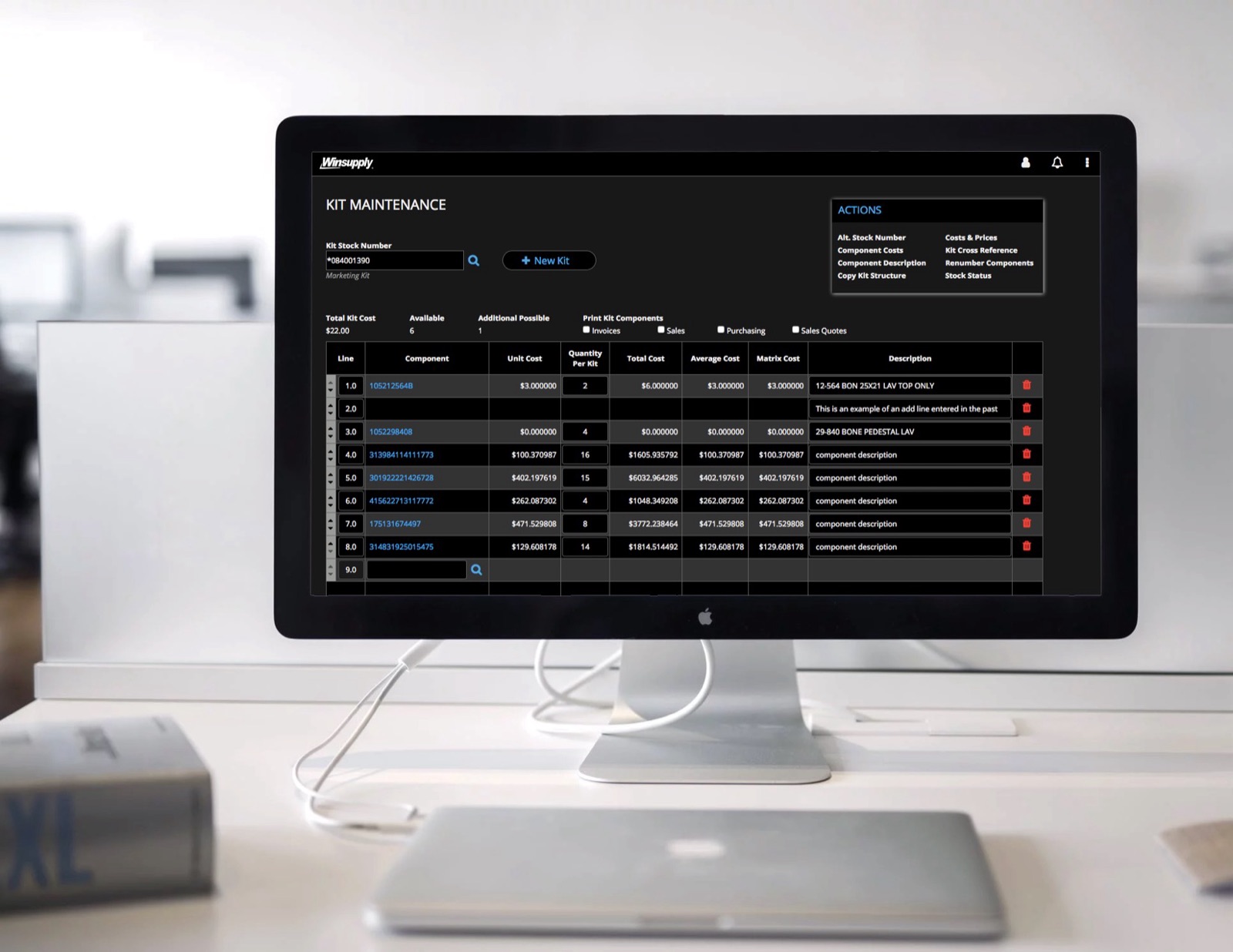
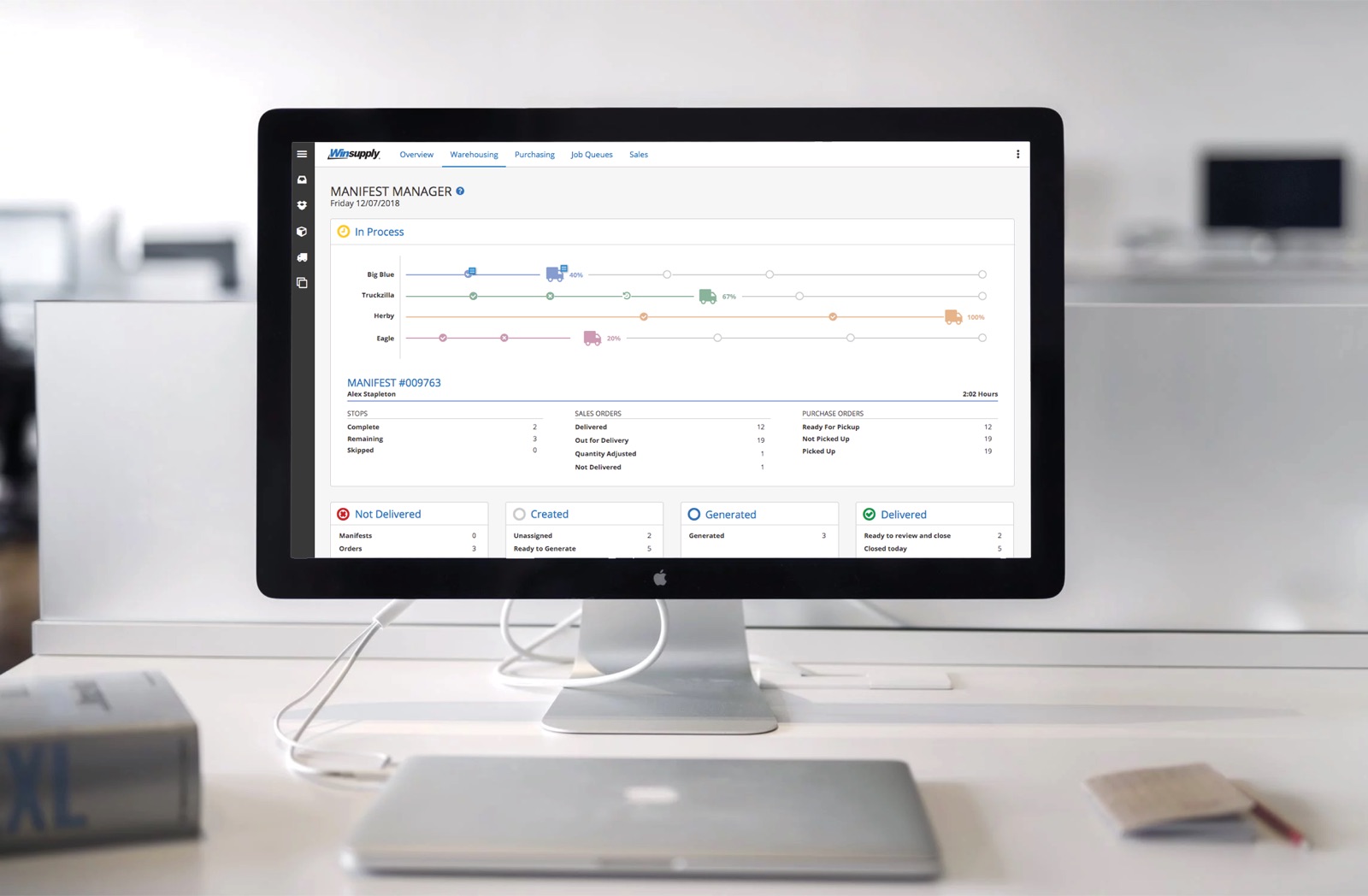
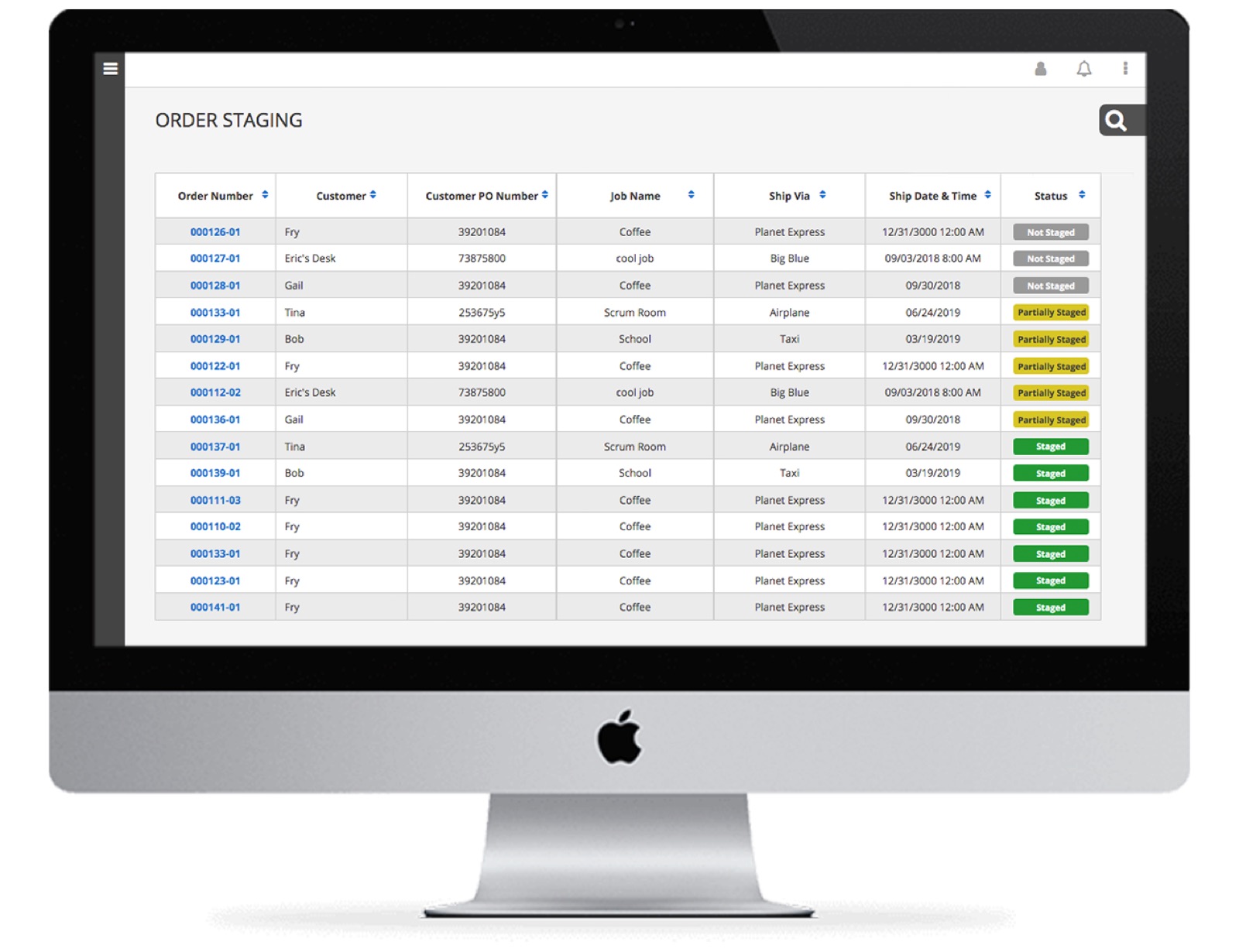
Track Process Execution
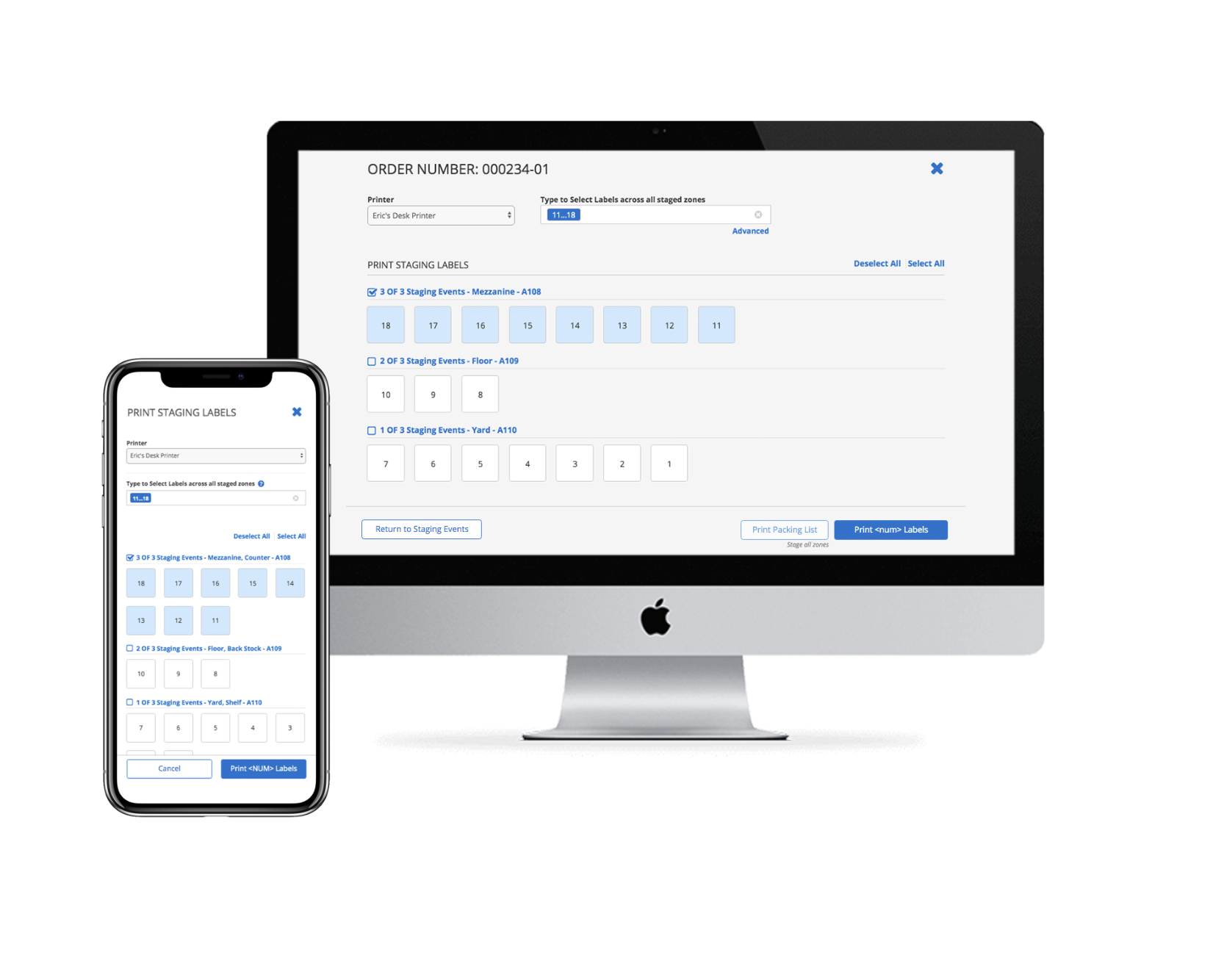
- Reduce processing errors
- Optimize usage for desktop and mobile RF Scanner
- Provide keyboard based interaction to reduce mouse usage
Looking back on this design, I would have some concern about the tappable area on mobile devices, especially knowing responsiveness on RF Scanners is sometimes reduced. I would likely increase this space in tandem with user testing to verify usability.
On the Warehouse Floor
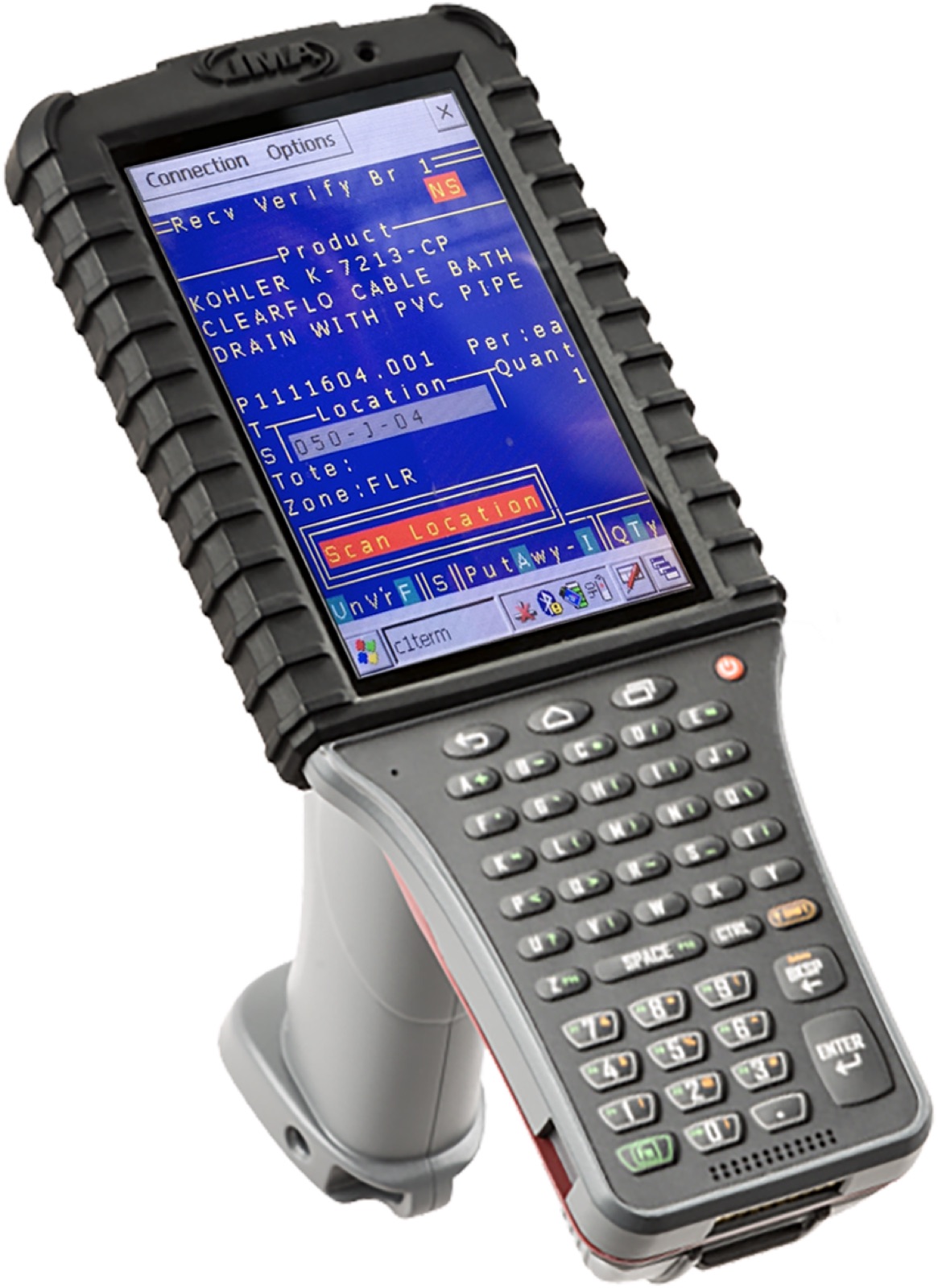
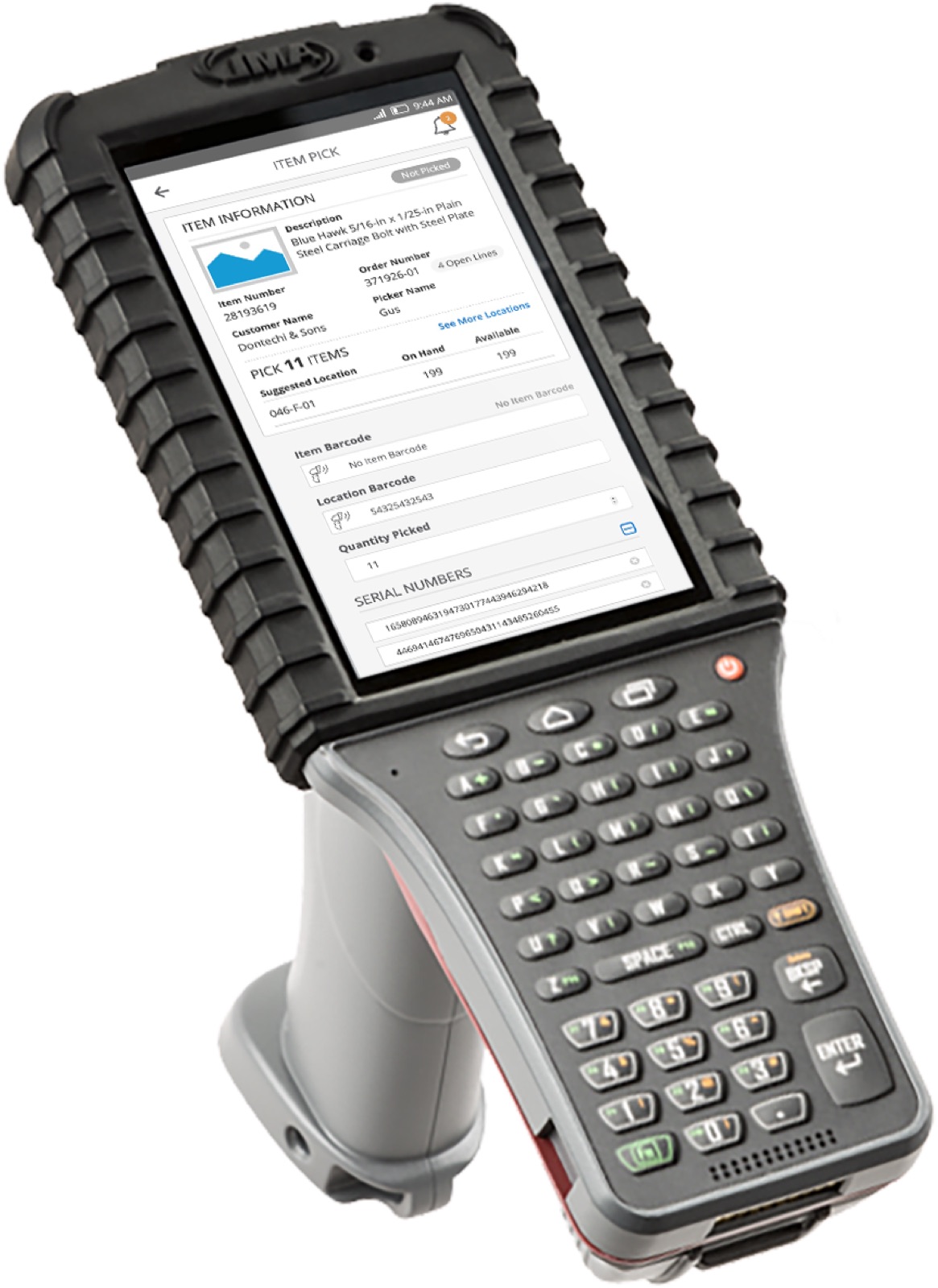
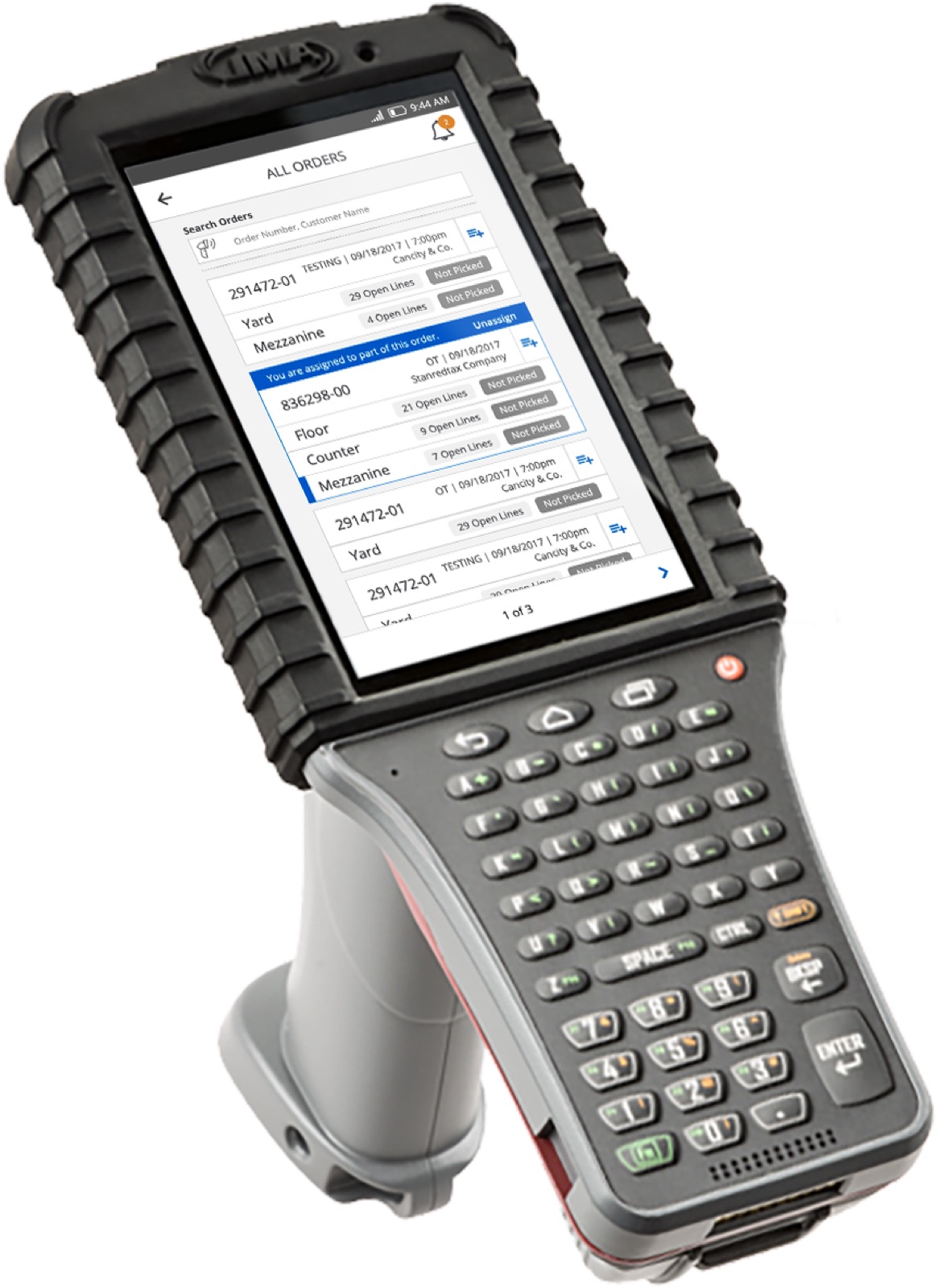
Much of the warehouse work lived on the ruggedized RF scan gun. A central goal was retiring the legacy green screen without losing the speed the floor depended on. The application saught to modernize picking, receiving, and order lookup while finding creative ways to reduce common errors and simplify training.
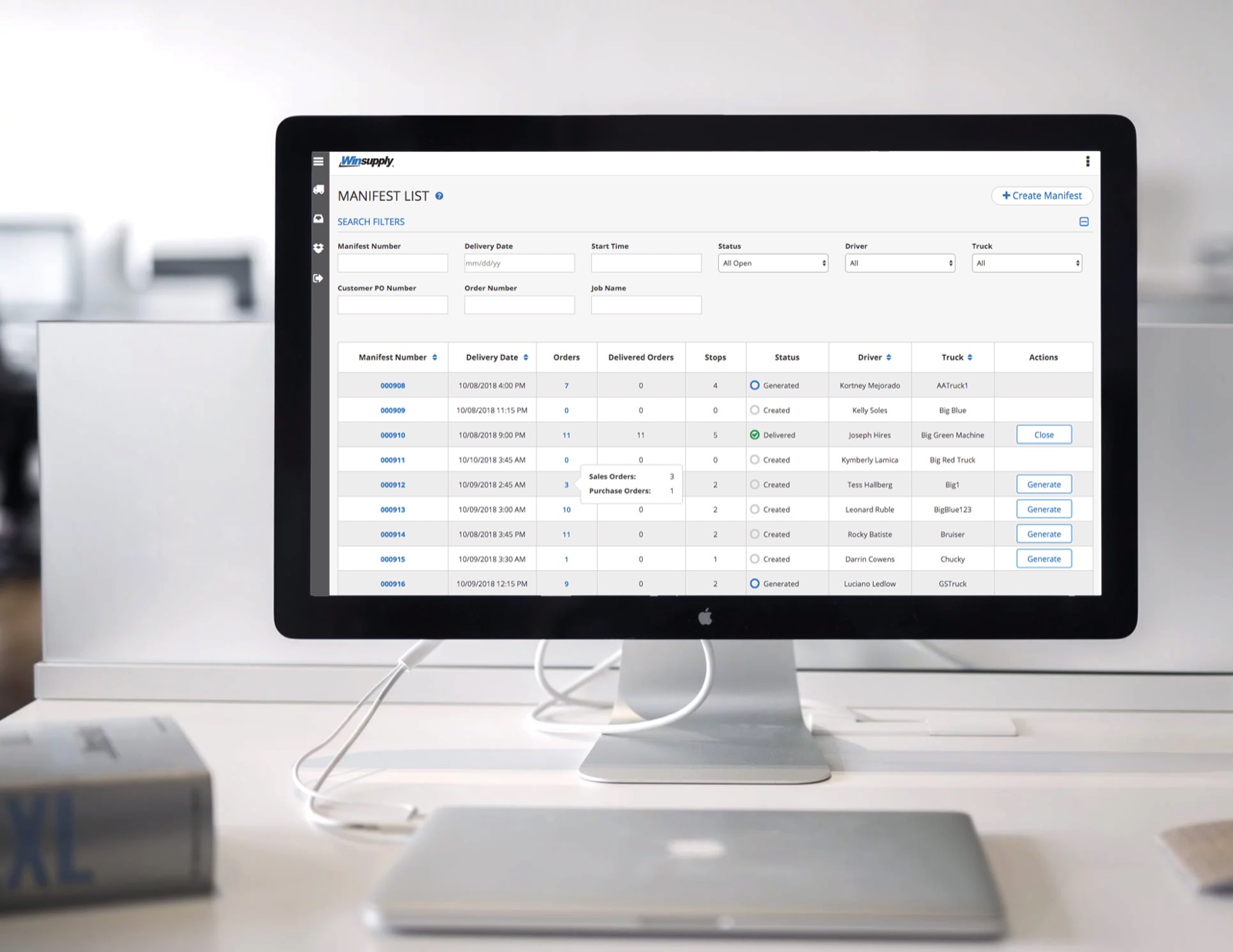
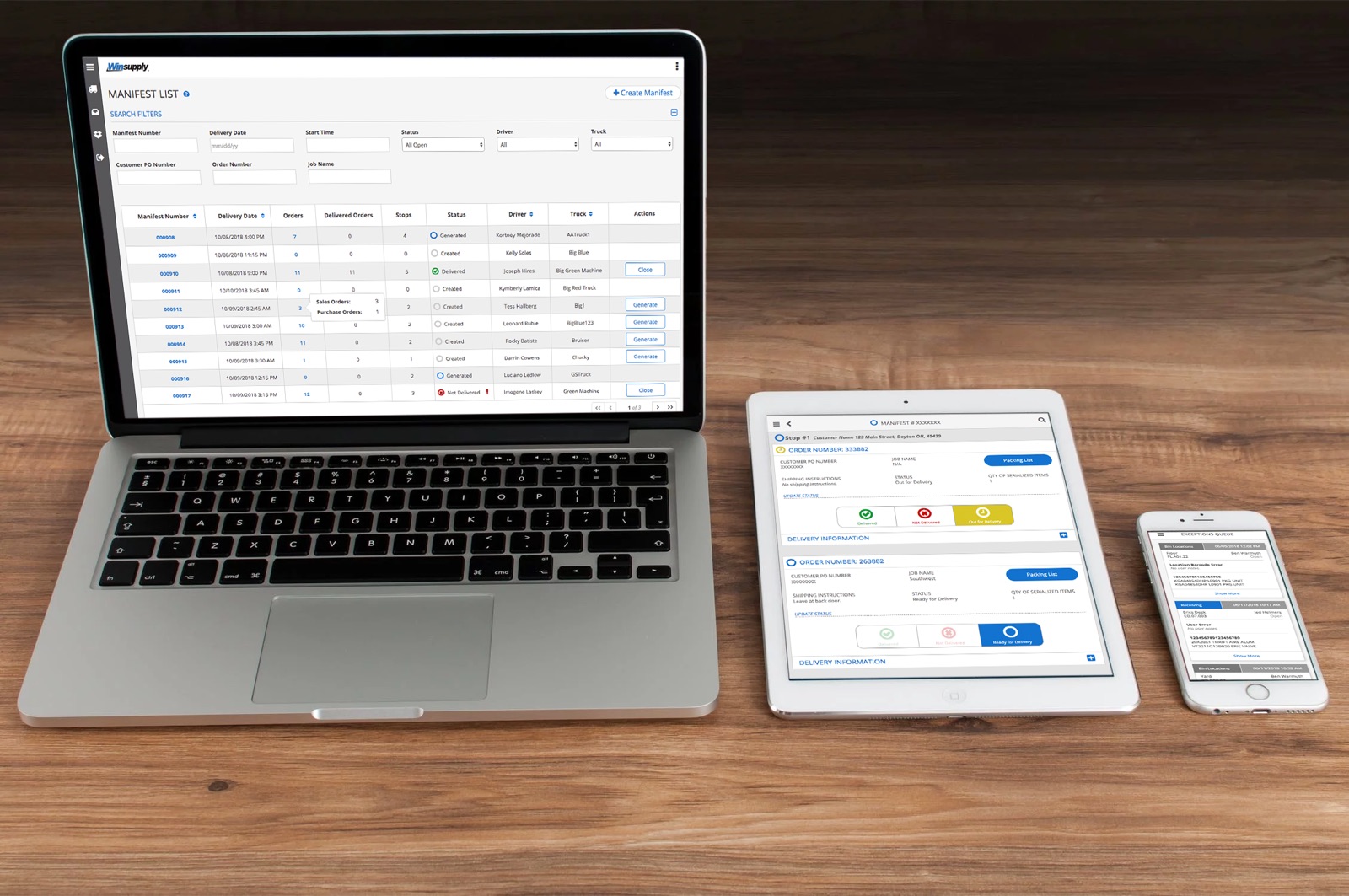
More from the Build
A wider sampling of screens across the suite.